01 / ONE PO
A single purchase order.
Upload a PDF, spreadsheet, CSV, email or image. Prepare its order details for review.

ALTHAIR ORDER DESK / DOCUMENT TO DRAFT
Turn messy purchase orders into organized Shopify drafts
 02DetroitMIPO #10483$476.20Shopify draft03MinneapolisMNPO #10484$342.50Shopify draft04ColumbusOHPO #10485$534.60Shopify draft05IndianapolisINPO #10486$461.50Shopify draft06MilwaukeeWIPO #10487$345.60Shopify draft
Every destination.
Its own order.
01 / THE ORDER JOURNEY
From the file you receive
to the drafts your team approves.
Upload the document your customer sends.
02 / BUILT FOR THE ORDERS YOU RECEIVE
Your customers keep sending their documents.
Your team gets a clearer way to work.
Upload a PDF, spreadsheet, CSV, email or image. Prepare its order details for review.
Identify individual purchase orders inside a single file and prepare them separately.
Keep each destination with its own products, quantities and prices.
WHAT CHANGES
The work still needs your judgment.
It does not need all that typing.
Read and separate every order.
Review orders already organized by PO and location.
Look up customers and type each SKU.
Check suggested customer and product matches.
Build each Shopify draft individually.
Approve the details and create separate drafts.
03 / INSIDE ALTHAIR
From the first upload to the Shopify draft.
See what your team works with.
ALTHAIR ORDER DESK
Actual application captures · Example data
Start with the document your customer sent.
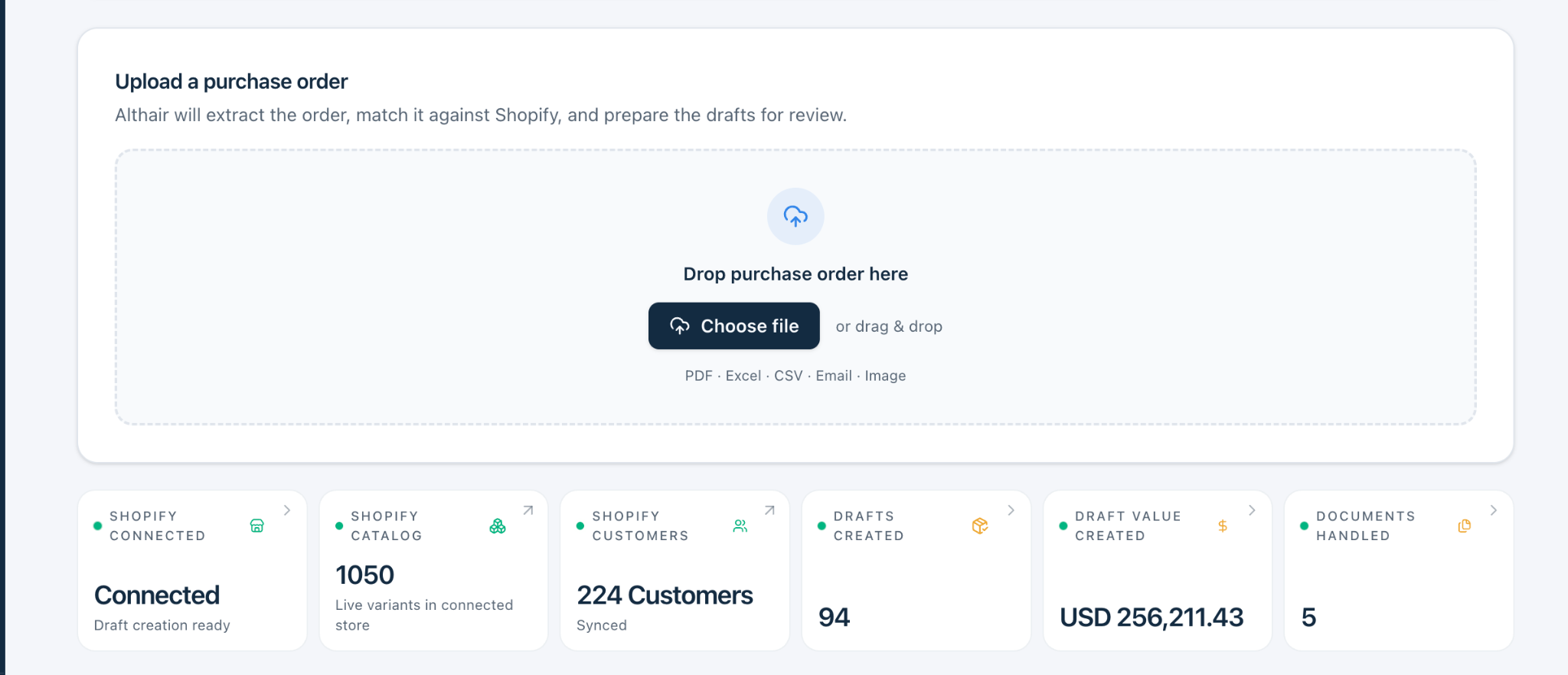
Screens show different example orders and account states, not one continuous transaction.
04 / YOUR OPERATION, IN VIEW
Shopify catalog and customer data, alongside the orders your team has processed.
See connection status, catalog variants and synced customers.
Track drafts created, their value and documents handled.
Documents and drafts are different measures. Keep both in view.
05 / REVIEW SAFEGUARDS
Althair prepares the work.
Your team makes the decisions.
Review the customer, destination and products before creating Shopify drafts.
Change the customer, SKU, quantity or price when an order needs attention.
Review individual location orders with their own line items and totals.
06 / YOUR NEXT DESTINATION
One place to prepare and review orders.
More ways to put them to work.
RECEIVE · REVIEW · ROUTEShopifyAVAILABLE NOWOther connections are planned. No release dates or partnerships are implied.
LET’S START WITH ONE ORDER
Bring a document. We’ll walk through where Althair fits.
Your document.
02Your workflow.
03Your questions.